




Login Register

MSport Deposit Nigeria: Cards, Bank Transfer and USSD

Promotional banner

How to deposit or fund an MSport account

Use the cashier after signing in to an MSport Nigeria account. The account currency is Nigerian naira. The published deposit range is NGN 100 to NGN 9,999,999 per transaction.

The cashier lists these funding routes:

  • Visa, Mastercard and Verve cards
  • Direct bank-account deposits through UBA, Sterling Bank, Zenith Bank and ALAT by WEMA
  • Bank transfer to a temporary account shown in the cashier

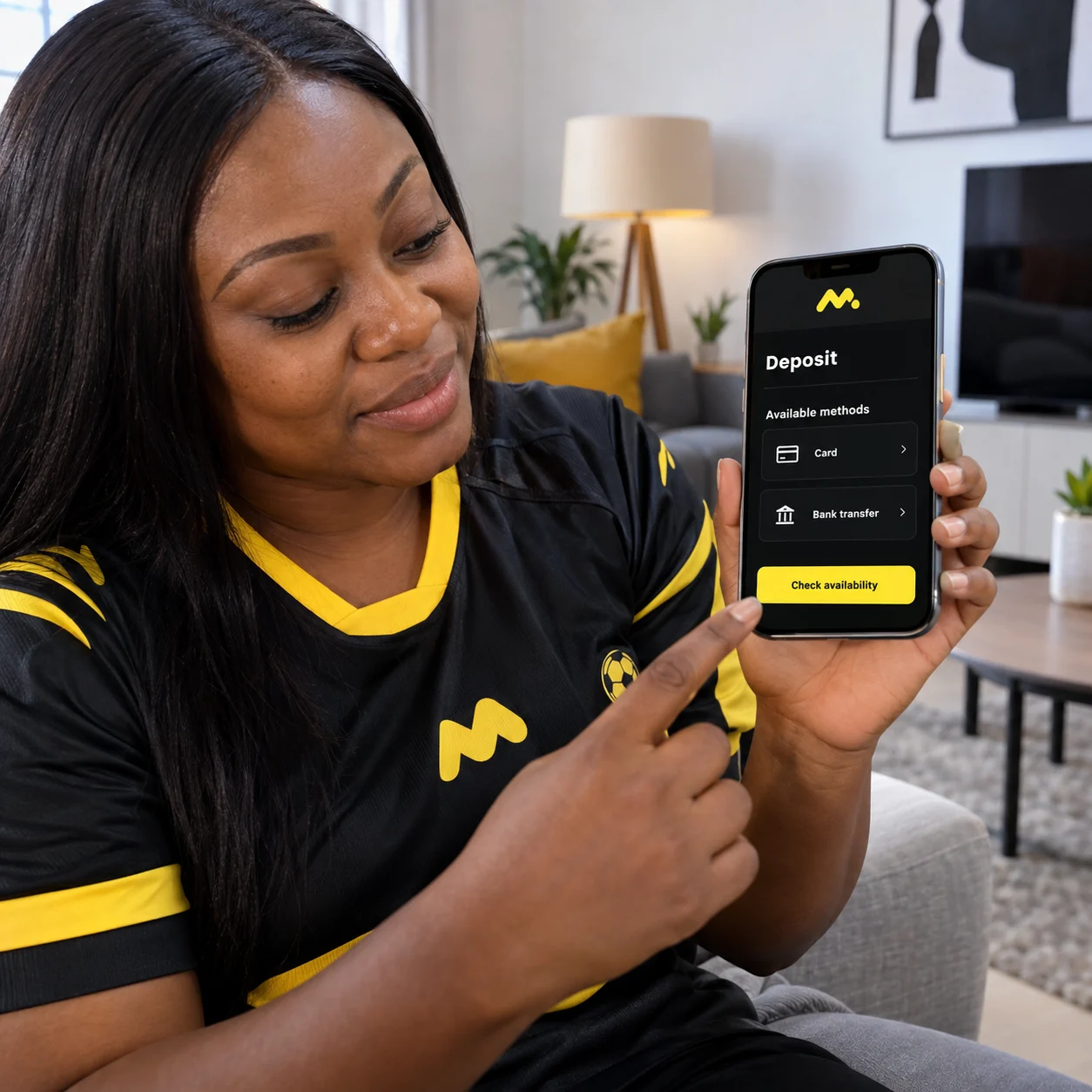
For cards or direct bank deposits, open the balance or cashier area. Select Deposit, choose a listed method and enter the amount. Complete payment authentication, then check that the balance reflects the payment before betting.

Bank transfer uses a temporary account created for that deposit attempt. I would complete the transfer within the 30-minute validity window.

MSport states that card and direct bank-account deposits have no MSport charge. Your bank may apply its own charge for a transfer.

Check the account number, amount and payment details before confirming. Incorrect details can prevent the account from being credited.

Using USSD for an MSport deposit

Use your own bank’s USSD transfer menu for this route. The cashier provides the temporary account details needed for the transfer.

Use these steps for a bank-USSD transfer:

  1. Sign in and open Deposit.
  2. Choose Bank transfer.
  3. Copy the temporary account number and amount displayed in the cashier.
  4. Open your bank’s USSD service and select its transfer option.
  5. Enter the displayed details and authorise the transfer.
  6. Keep the transaction reference for your records.

The details apply to that specific transfer request and expire after 30 minutes. I would copy each digit carefully, especially the recipient account and amount.

Use the details in the logged-in cashier, not a generic code found elsewhere. If the time window ends, create a new bank-transfer request and use its new details.
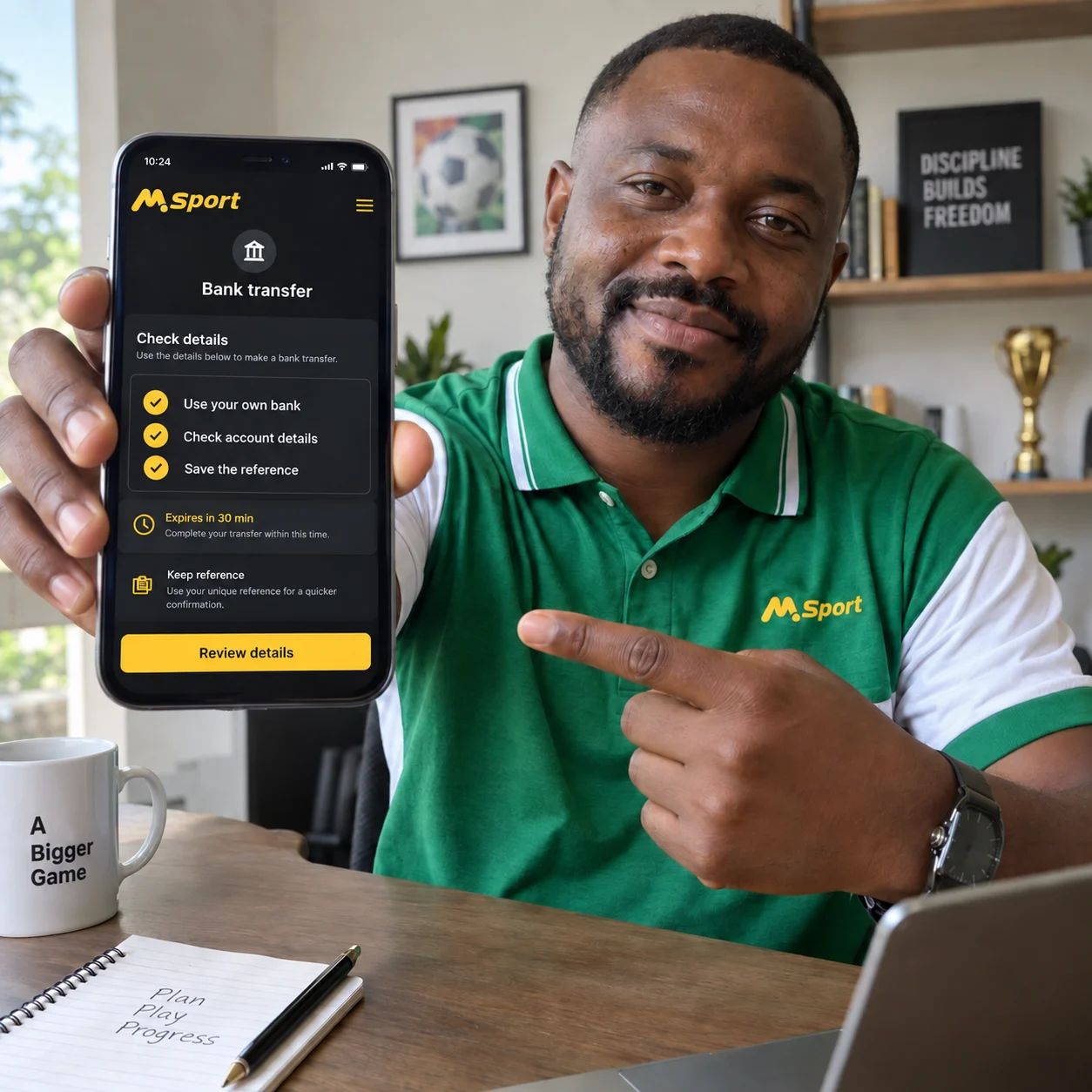

Illustration of checking bank-transfer details before using a bank USSD service. Illustrative concept, not an official screenshot.

Keep funding within your budget

Open account

Log in and find the deposit option

Sign in to the MSport Nigeria service before funding the account. Registration uses a Nigerian phone number as the username and a password, with SMS-code verification in the registration flow.

Facebook login is also presented as an access option. I would confirm the registered account details before sending money.

After login, open the account balance or cashier area and select Deposit. Choose a method displayed for the account, enter the amount and complete the required authentication.

Labels can differ between the website and a mobile layout. Follow the options visible on your screen rather than relying on an older menu description.

Can you deposit with OPay or PalmPay?

OPay and PalmPay are provider names often searched for by Nigerian users. Their availability depends on the payment list in the logged-in cashier.

If either provider appears, select it, enter the amount and complete its authentication process. Return to the account afterwards to review the payment status and balance.

If neither provider is listed, use another available route. These include Visa, Mastercard, Verve, direct bank-account deposits and bank transfer to the temporary account.

I would not rely on provider-specific codes, fees or processing claims found outside the cashier. The payment list for your account is the practical reference.

Illustration of checking available payment options in the cashier. Illustrative concept, not an official screenshot.

Keep funding within your budget

Open account

Frequently asked questions

What should I do if my MSport deposit does not appear?

Start by checking the payment details. Confirm that the transfer used the temporary account, recipient information and amount shown for that deposit request.

Next, compare the bank transaction reference and transferred amount with the deposit record in the account. Keep the reference and payment receipt available while reviewing the transaction.

Check the original transfer record before making another payment. I would avoid a duplicate transfer until the first payment has been reconciled.

If any detail differs, compare it again with the cashier request. Check am first before starting a fresh deposit.

How can I set a sensible betting deposit budget in Nigeria?

Set the amount before opening the cashier, using money left after rent, bills, transport, food and other essentials. Keep the limit realistic for a short session.

NGN 100 is the published minimum, not a reason to make repeated deposits. I would treat the transaction maximum as a cashier limit, not a spending target.

Keep betting money separate from everyday spending where possible. Decide the session amount and stop point in advance rather than adding funds after losses.

A written limit can make the plan easier to follow on a phone. Include the amount, session length and point at which you will stop.

What payment methods are documented for MSport Nigeria deposits?

The listed options are Visa, Mastercard and Verve cards. Direct deposits are available through UBA, Sterling Bank, Zenith Bank and ALAT by WEMA.

Bank transfer to a temporary cashier account is the other route. Deposits are made in NGN, from NGN 100 to NGN 9,999,999 per transaction.

Card and direct bank-account deposits have no MSport charge according to the published information. A transfer charge may still come from your bank.

Is there a universal MSport USSD deposit code?

The USSD route uses your bank’s own transfer service after you select bank transfer in the cashier. It does not use a universal shortcut in place of the displayed payment details.

Use the temporary account number and payment amount generated for the request. I would use those details rather than a code shared outside the account.

The temporary account expires after 30 minutes. Create a fresh request if that period has passed before payment.

What is the temporary bank account used for an MSport deposit?

It is generated when you select Bank transfer in the deposit area. Use the account number and amount shown for that particular funding attempt.

You can pay through internet banking or your bank’s USSD transfer menu. I would retain the transaction reference after authorising the transfer.

The temporary account expires after 30 minutes. If it expires before payment, start another bank-transfer request instead of using the old details.